
Anyone who wants to download AnyDesk is usually after a way to jump onto another PC without setting up a VPN first — and this tool delivers exactly that. Built by philandro Software GmbH in Germany, it opens a remote session in seconds using an 8MB installer, no admin rights or lengthy setup required on the guest side.
IT helpdesk staff fixing a relative’s laptop remotely and small teams supporting client machines both rely on it. Version 9.7.14 fixes a frozen camera preview after resuming a paused AnyDesk One meeting and a crash when disabling the Meeting add-on, on top of validation feedback for weak passwords added a few releases back.
Key Features of AnyDesk
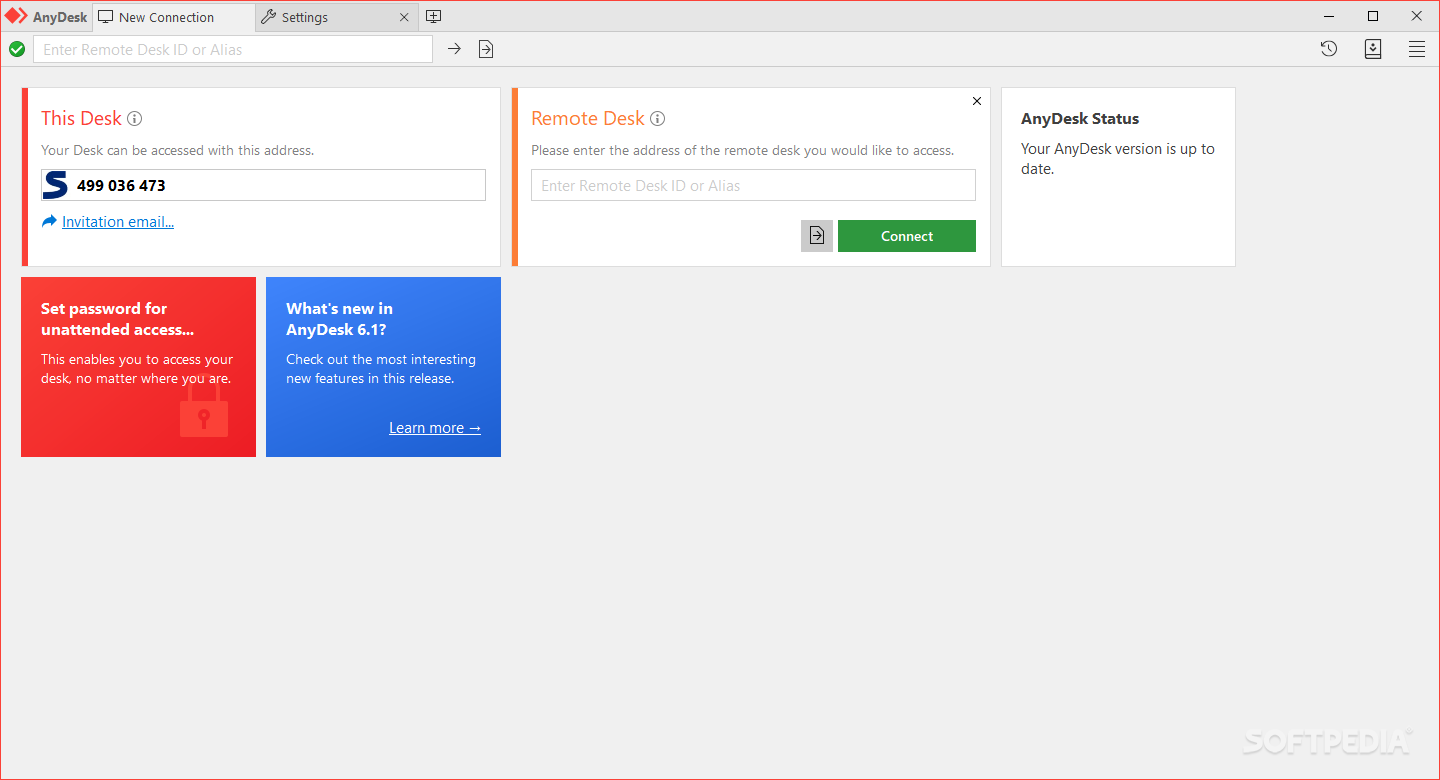
- Connects using a numeric AnyDesk-ID or a custom alias, so recurring sessions with the same machine don’t need a fresh code every time.
- Runs a session profile picker on connection, with a dedicated Screen Sharing mode that only lets the guest watch, not control.
- Transfers files both ways through a built-in file manager without opening a separate FTP client.
- Includes a whiteboard overlay for pointing things out during a support call instead of describing them over chat.
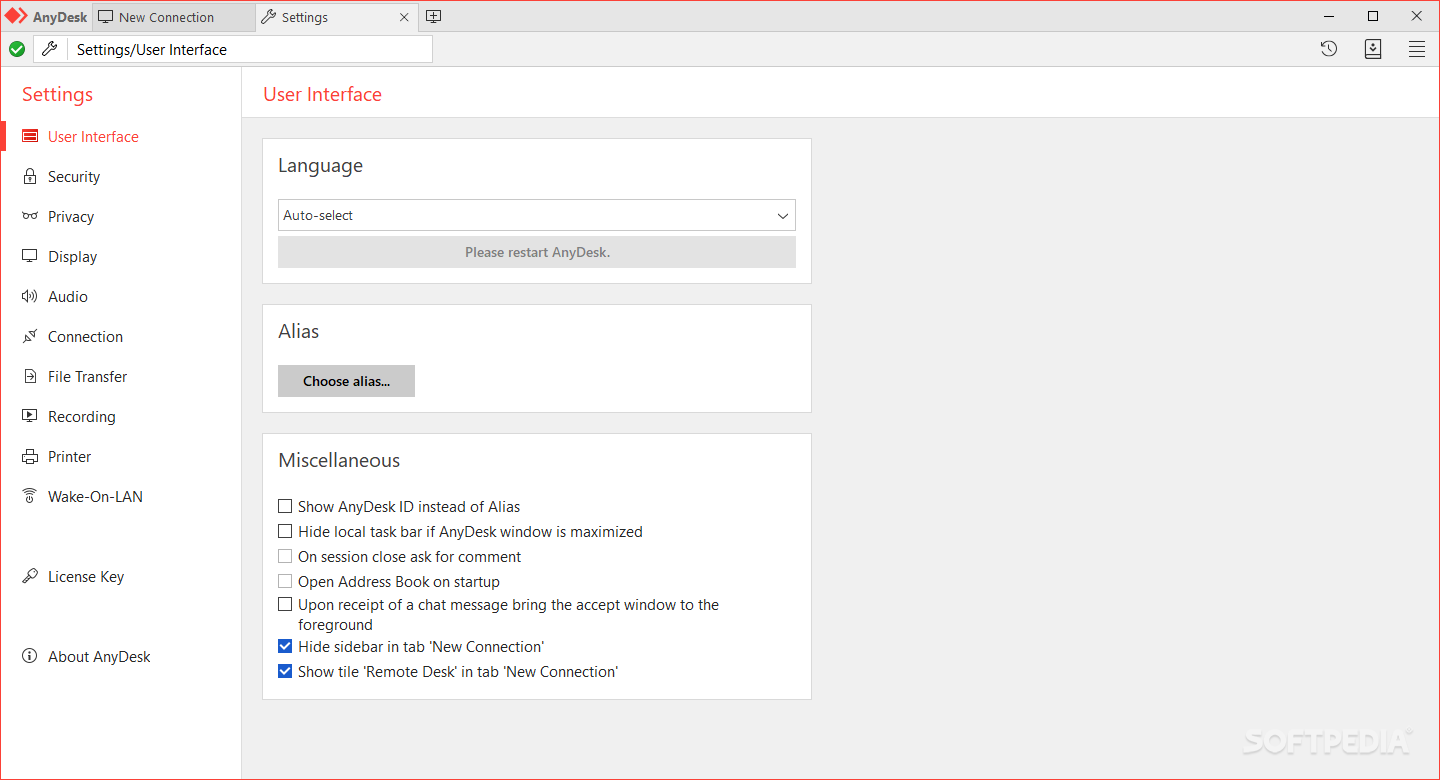
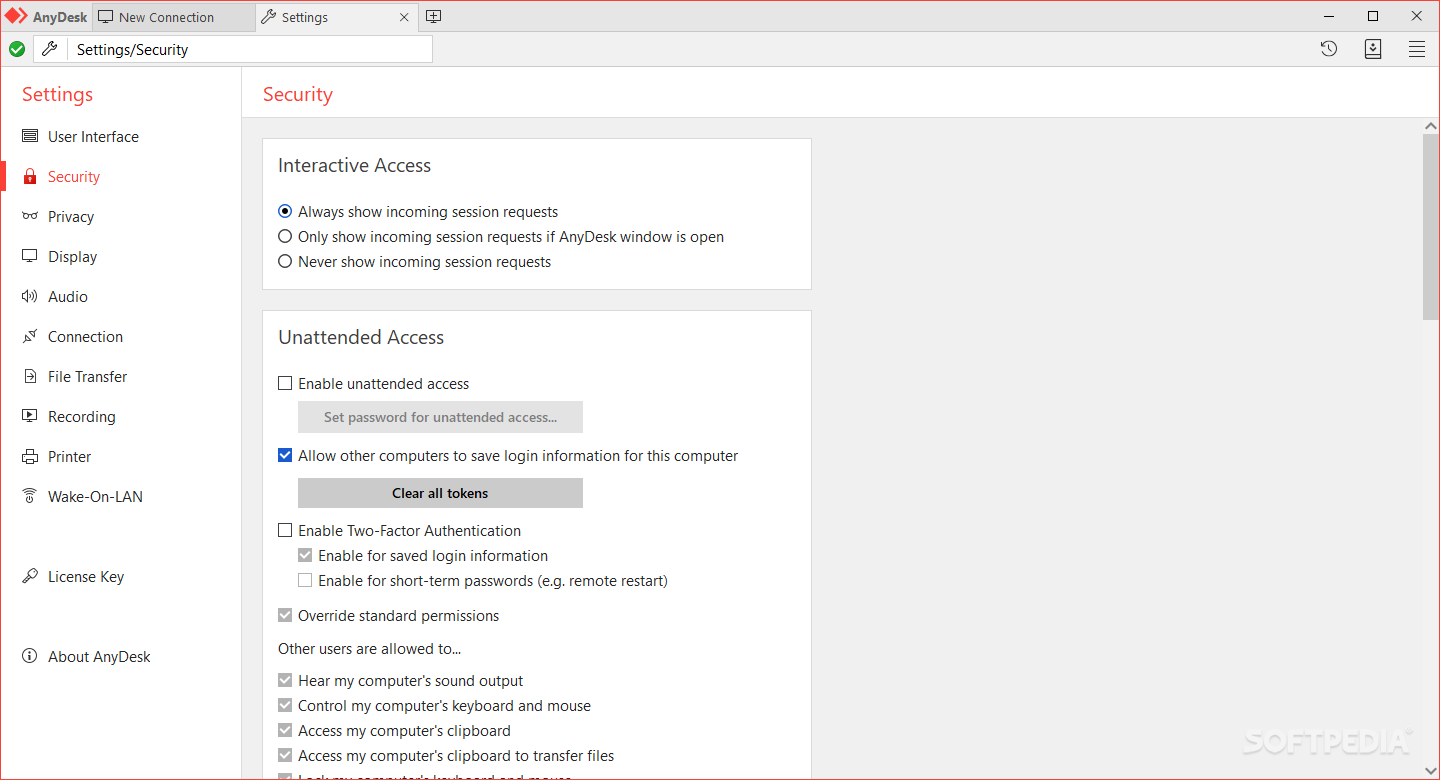
- Supports unattended access, so a technician can reconnect to an unmanned server or kiosk PC after the session ends.
- Records sessions on request, useful for training walkthroughs or as an audit trail for support tickets.
- Adapts video quality automatically on single-core machines, dropping to 16-bit color to keep the connection responsive.
- Works across Windows, macOS, Linux and mobile, so a Windows technician can just as easily reach a Linux server.
How to Install AnyDesk
- Download the AnyDesk installer above.
- Run AnyDesk.exe — no install wizard is required to start a session, though installing registers it for unattended access.
- Note the 9-digit AnyDesk-ID shown on the main window and share it with whoever needs to connect.
- Accept the incoming connection request and choose a session profile to control what the guest can do.
- Close the session from the toolbar at the top of the screen once finished.
Enjoy using AnyDesk!
Frequently Asked Questions about AnyDesk 9.7.14
Is AnyDesk 9.7.14 free?
AnyDesk 9.7.14 is completely free to download and use — no registration or payment required.
What are the system requirements for AnyDesk 9.7.14?
Minimum requirements: Windows 7/10/11. A modern PC with at least 2GB RAM is recommended.
What is the latest version of AnyDesk 9.7.14?
The latest version is 9.7.14, updated on 18/08/2026.
Is AnyDesk 9.7.14 safe to download?
Yes. All software listed on download.viet33.com is sourced directly from the official developer and verified before publishing. No bundled adware or malware.
Does AnyDesk 9.7.14 work on Windows 11?
Yes, AnyDesk 9.7.14 is compatible with Windows 7/10/11, including Windows 11.
 Download EarTrumpet 2.3.0.0
28 Downloads
Download EarTrumpet 2.3.0.0
28 Downloads
 Download NetLimiter 5.3.26.0
14 Downloads
Download NetLimiter 5.3.26.0
14 Downloads
 Download DesktopCalendar 2.3.108.5601
129 Downloads
Download DesktopCalendar 2.3.108.5601
129 Downloads
 Download Hard Disk Sentinel 6.40
86 Downloads
Download Hard Disk Sentinel 6.40
86 Downloads
 Download Windows 10
75 Downloads
Download Windows 10
75 Downloads


