
When a single app quietly eats the whole connection while everyone else in the house is trying to video call, most people reach for NetLimiter, and for good reason. Locktime Software has been building it since the early 2000s as a software-only alternative to hardware traffic shapers, which means no router flashing or extra hardware, just an app that sits between Windows and the network stack.
It shows up on a lot of “why is my internet slow” troubleshooting lists because it can pin the exact process responsible for a spike, not just a vague total.
Key Features of NetLimiter
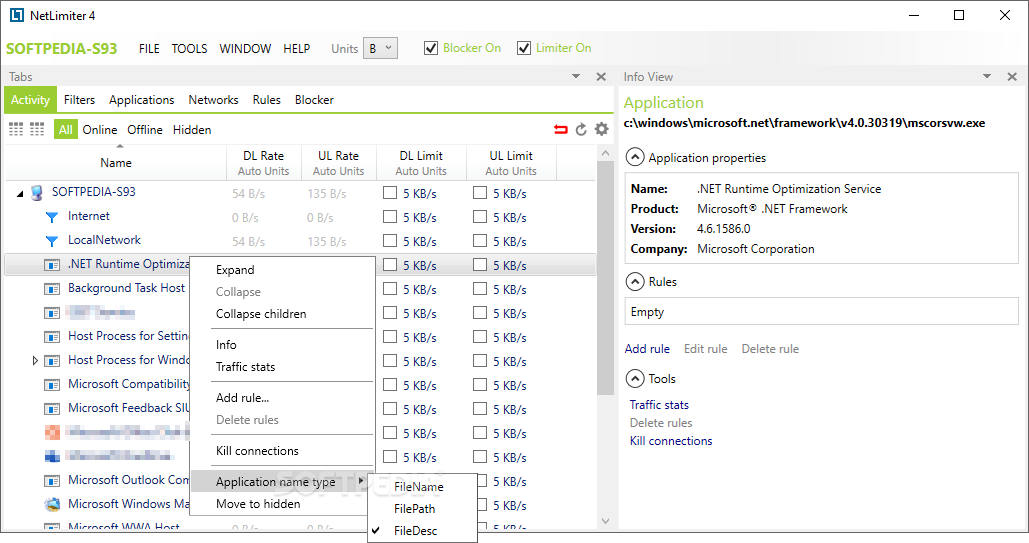
Once you download NetLimiter, the main window breaks down into:
- Real-time upload and download graphs per process, so a background updater or torrent client stands out immediately instead of hiding in a single system-wide number.
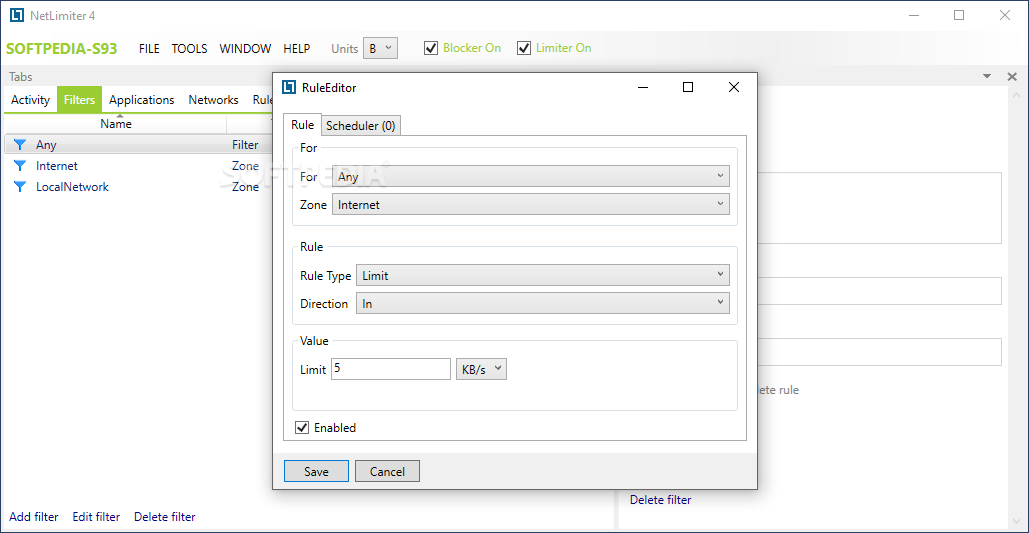
- Per-application bandwidth limits, letting you cap a cloud backup tool at, say, 500 KB/s while everything else runs at full speed.
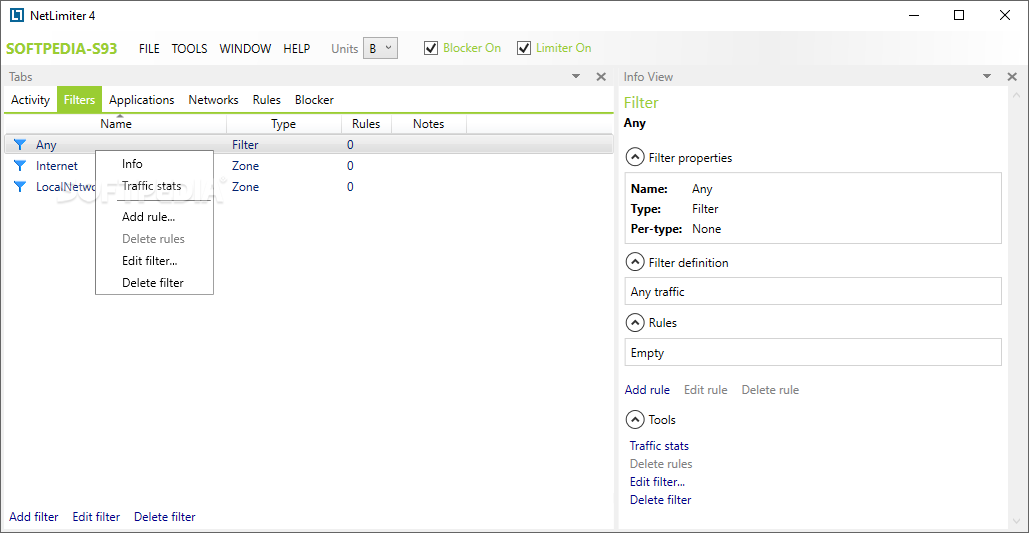
- A built-in Blocker that acts as an application firewall, cutting network access for any process with one click.
- Rule Editor and Scheduler combine to apply different limits automatically depending on time of day or which network is active.
- Connection history and a Realtime Connection Log record exactly which remote addresses each app talked to, useful for spotting unwanted background traffic.
- Quota feature automatically blocks an app once it crosses a data cap you set for the day, week, or month.
- This release adds a redesigned tray icon widget with quick access to stats and tools without opening the full window.
- Remote administration lets you check stats or adjust rules on another PC running NetLimiter from a browser.
Screenshot / Demo
How to Install NetLimiter
Setting up NetLimiter on Windows takes a few minutes, most of it spent letting the driver install.
- Download the installer from the official netlimiter.com downloads page.
- Run the .exe and accept the driver installation prompt when it appears.
- Restart Windows if the installer asks for it, needed for the network driver to load.
- Open NetLimiter and browse the connection list to see live traffic per app.
- Right-click any process to set a limit, add it to Blocker, or create a rule.
Enjoy using NetLimiter!
Frequently Asked Questions about NetLimiter 5.3.26.0
Is NetLimiter 5.3.26.0 free?
NetLimiter 5.3.26.0 offers a free trial period. Full features may require a paid license.
What are the system requirements for NetLimiter 5.3.26.0?
Minimum requirements: Windows 7/10/11. A modern PC with at least 2GB RAM is recommended.
What is the latest version of NetLimiter 5.3.26.0?
The latest version is 5.3.26.0, updated on 17/08/2026.
Is NetLimiter 5.3.26.0 safe to download?
Yes. All software listed on download.viet33.com is sourced directly from the official developer and verified before publishing. No bundled adware or malware.
Does NetLimiter 5.3.26.0 work on Windows 11?
Yes, NetLimiter 5.3.26.0 is compatible with Windows 7/10/11, including Windows 11.
 Download EarTrumpet 2.3.0.0
10 Downloads
Download EarTrumpet 2.3.0.0
10 Downloads
 Download DesktopCalendar 2.3.108.5601
127 Downloads
Download DesktopCalendar 2.3.108.5601
127 Downloads
 Download Hard Disk Sentinel 6.40
85 Downloads
Download Hard Disk Sentinel 6.40
85 Downloads
 Download Windows 10
74 Downloads
Download Windows 10
74 Downloads
 Download HWMonitor 1.66
118 Downloads
Download HWMonitor 1.66
118 Downloads


