
Anyone who wants to download Joplin is usually after a note app that does not lock notes inside one company’s cloud, and this tool delivers exactly that. Joplin stores every note as a plain Markdown file in a local SQLite database, then syncs that database to Dropbox, OneDrive, Nextcloud, WebDAV, or its own Joplin Cloud service, whichever you already trust.
Developer Laurent Cozic built it as an open-source alternative to Evernote, and it has become a go-to pick for people who take notes on Linux desktops where mainstream note apps rarely show up, as well as anyone who wants their to-do lists to survive a subscription cancellation.
Key Features of Joplin
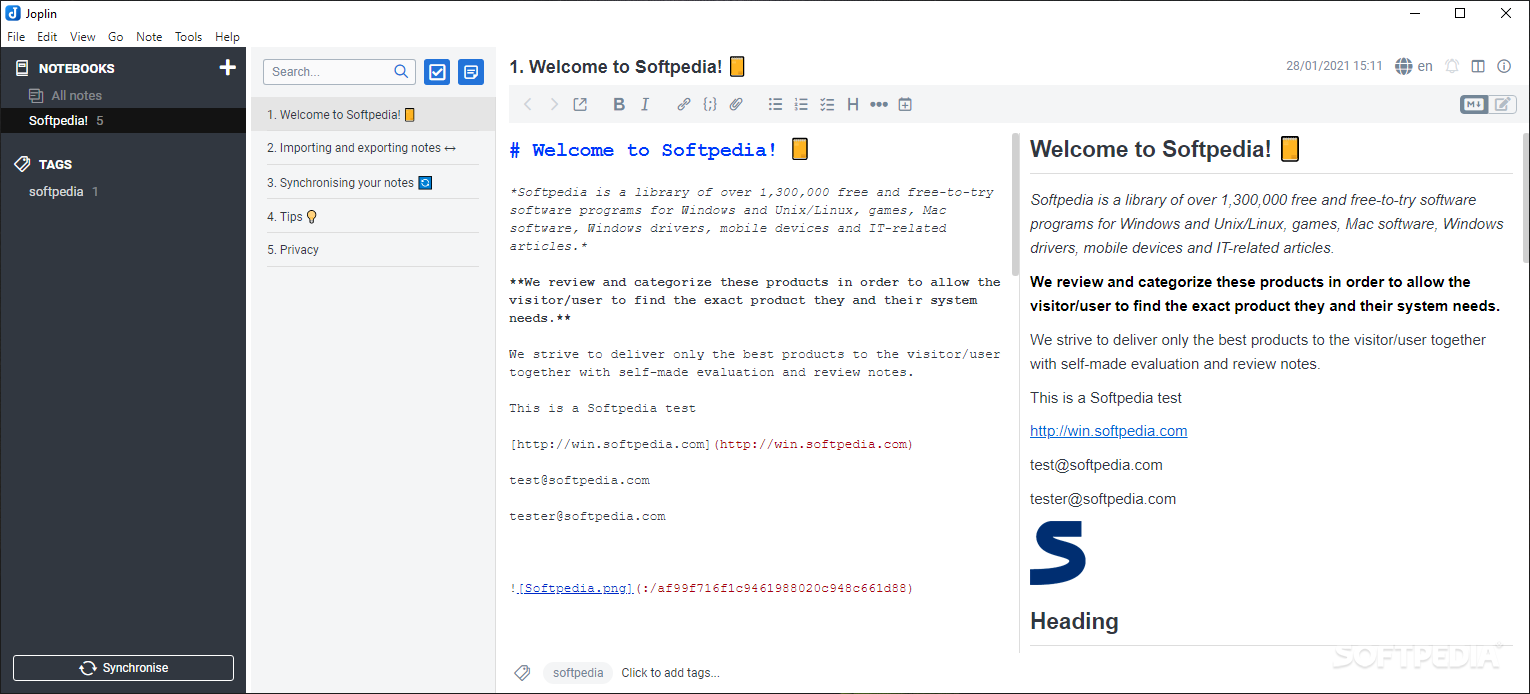
Once you download Joplin, the notebook view gives you:
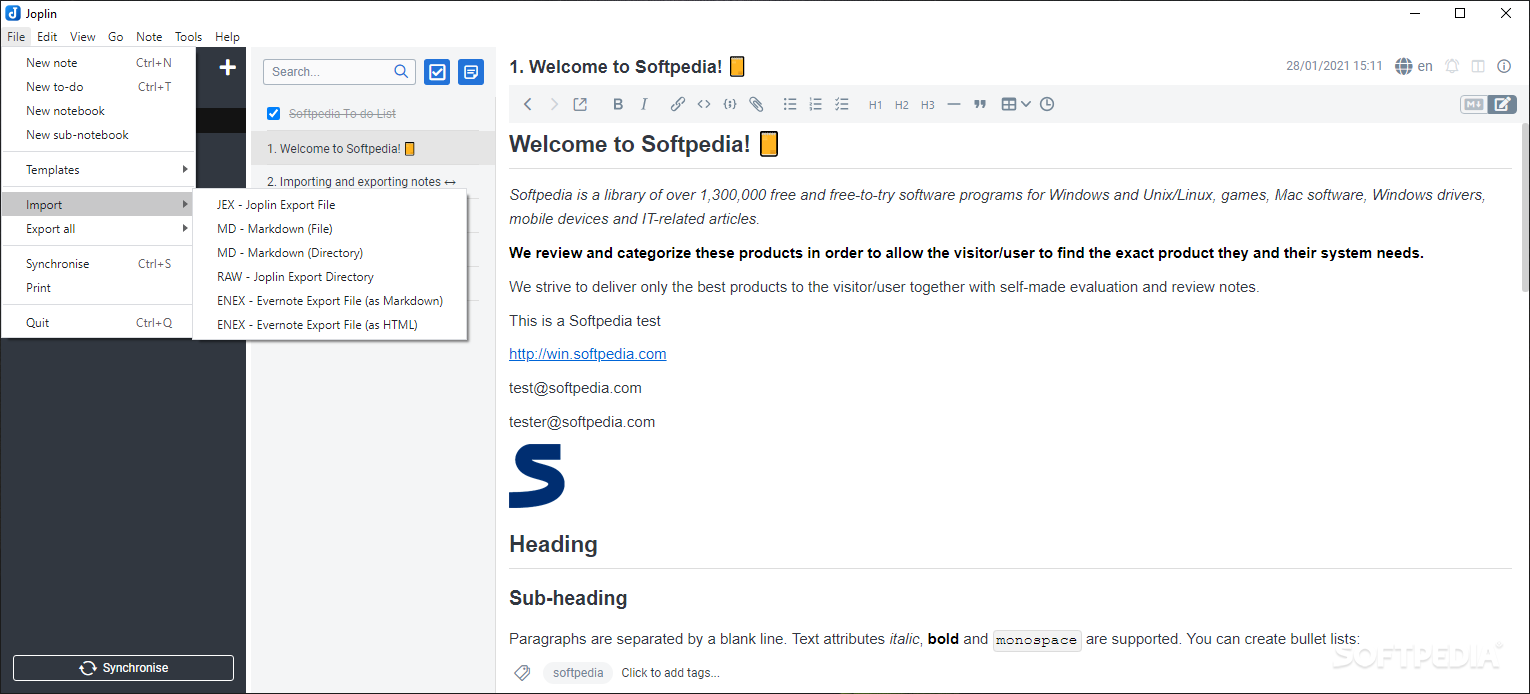
- Notes written in Markdown with live preview, so tables, code blocks, and math formulas render the same across every platform.
- To-do items with checkboxes and due dates, loosely following the Getting Things Done method rather than forcing a rigid task structure.
- End-to-end encryption you can turn on before syncing, so even the storage provider cannot read note content.
- A plugin system that adds features like a full text-search sidebar, a rich Markdown editor toolbar, or custom themes.
- Web Clipper extensions for Chrome and Firefox save full articles, screenshots, or simplified pages straight into a notebook.
- This release adds x-callback-url commands for creating notes and jumping to the current note from other apps.
- Nested notebooks and tags let the same note live in more than one place without duplicating the file.
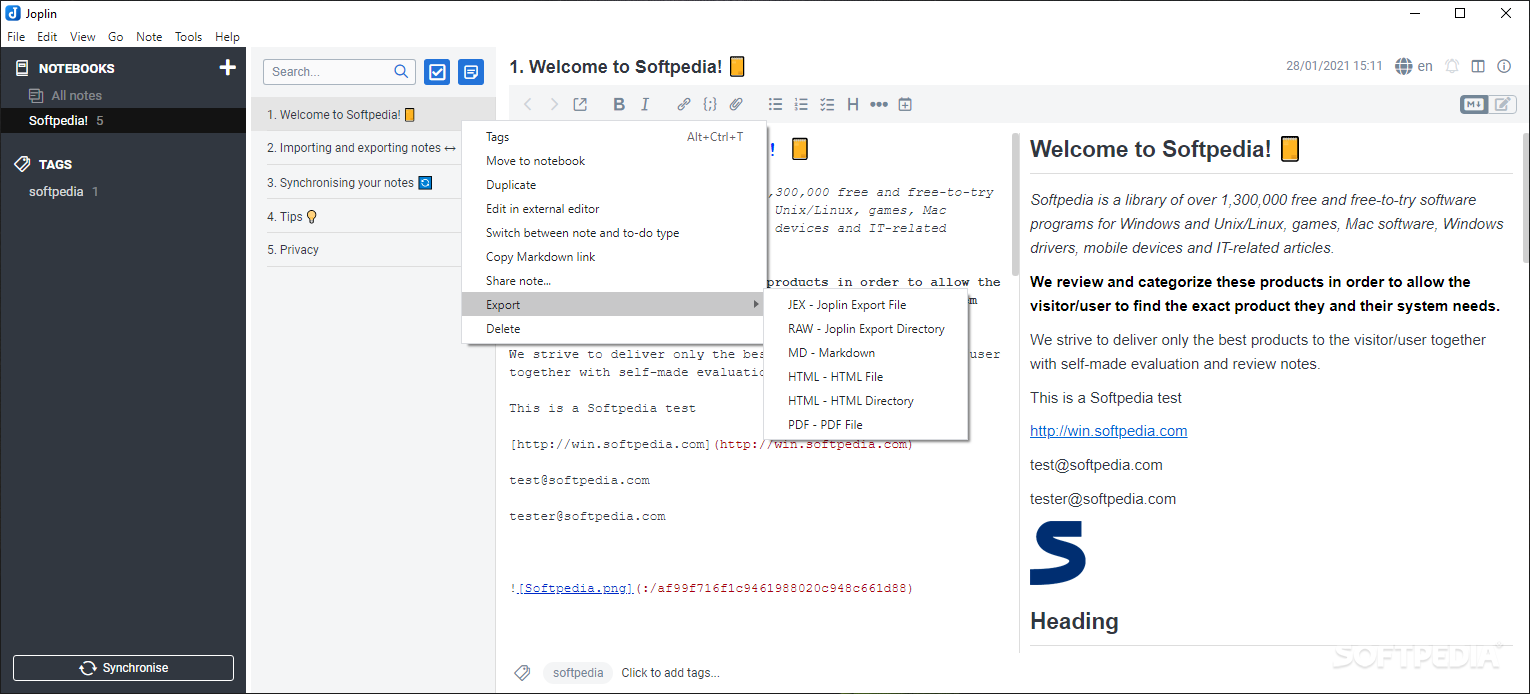
- A command line interface and terminal client are available for people who would rather manage notes over SSH than through a GUI.
Screenshot / Demo
How to Install Joplin
Getting Joplin running on Windows only takes a couple of clicks.
- Download the Windows installer from the Joplin website or GitHub releases page.
- Run Joplin-Setup and let it finish the install, there are no options to configure.
- Open Joplin and create your first notebook from the sidebar.
- Go to Tools then Sync to connect Dropbox, OneDrive, or another storage option.
- Install the Web Clipper browser extension if you want to save pages directly.
Enjoy using Joplin!
Frequently Asked Questions about Joplin 3.6.15
Is Joplin 3.6.15 free?
Joplin 3.6.15 is completely free to download and use — no registration or payment required.
What are the system requirements for Joplin 3.6.15?
Minimum requirements: Windows 7/10/11. A modern PC with at least 2GB RAM is recommended.
What is the latest version of Joplin 3.6.15?
The latest version is 3.6.15, updated on 17/08/2026.
Is Joplin 3.6.15 safe to download?
Yes. All software listed on download.viet33.com is sourced directly from the official developer and verified before publishing. No bundled adware or malware.
Does Joplin 3.6.15 work on Windows 11?
Yes, Joplin 3.6.15 is compatible with Windows 7/10/11, including Windows 11.
 Download Foxit PDF Reader 2026.1.2
56 Downloads
Download Foxit PDF Reader 2026.1.2
56 Downloads
 Download Bluesofts AccHelper 3.1.0
51 Downloads
Download Bluesofts AccHelper 3.1.0
51 Downloads
 Download Microsoft Office 365 Professional Plus
53 Downloads
Download Microsoft Office 365 Professional Plus
53 Downloads
 Download Microsoft Excel 2016
59 Downloads
Download Microsoft Excel 2016
59 Downloads
 Download Adobe Reader XI 11.0.23
60 Downloads
Download Adobe Reader XI 11.0.23
60 Downloads


