
When testing an API before shipping it, most developers download Postman first — and for good reason. What started as a Chrome extension is now a standalone desktop client for Windows, macOS, and Linux built by Postdot Technologies, letting you fire off GET, POST, and PUT requests without writing a line of cURL.
Backend developers debugging a broken endpoint and QA engineers running regression checks before a release both keep it open all day. Version 12.23.1 folds in the AI Agent Builder, which turns a REST API into an agent-ready tool without extra coding, alongside the usual round of bug fixes.
Key Features of Postman
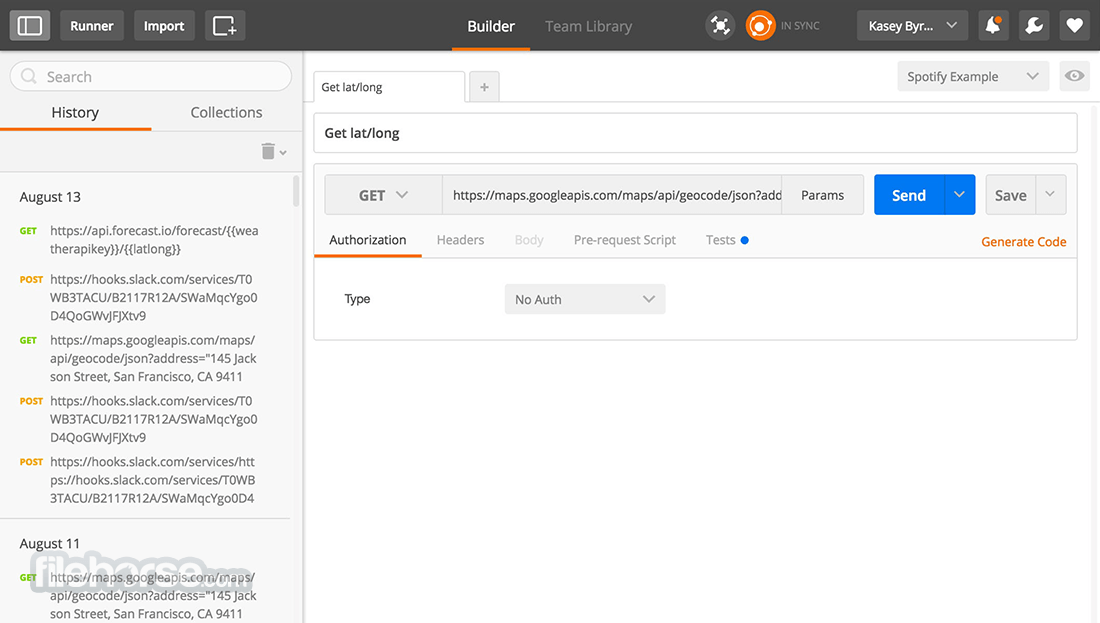
- Sends REST, GraphQL, and WebSocket requests from the same tabbed interface, so switching protocols doesn’t mean switching apps.
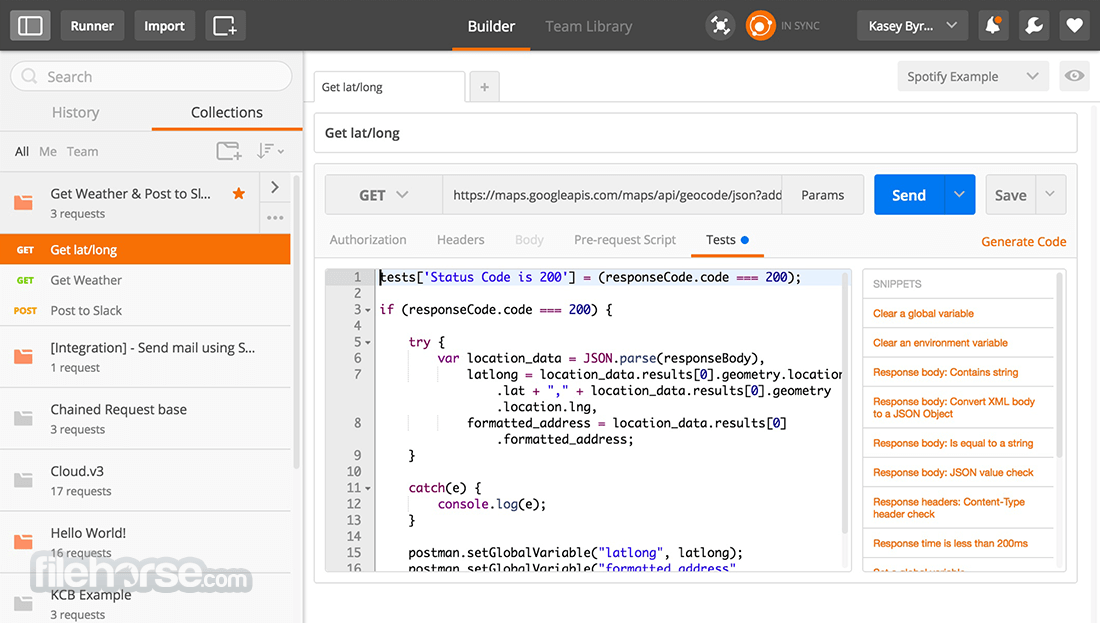
- Groups related requests into Collections, with Environments that swap base URLs and API keys between dev, staging, and production in one click.
- Runs JavaScript-based test scripts after each request and chains them into automated Collection Runs for regression testing.
- Spins up mock servers that simulate an API’s responses before the backend team has written a single endpoint.
- Schedules Monitors that hit an API on a recurring basis and alert the team when uptime or response time drops.
- Generates interactive API documentation directly from a collection, so client teams don’t need a separate wiki page.
- Includes a Postman CLI for running the same test suites inside a CI/CD pipeline as part of a build step.
- Manages OAuth tokens, API keys, and other credentials through encrypted environment variables instead of pasting them into requests.

How to Install Postman
- Download the Postman installer above.
- Run the (x64).exe file; Postman installs without asking for admin rights on most systems.
- Sign in with a Postman account, or skip sign-in to use it fully offline.
- Create your first request by picking a method (GET, POST, etc.) and entering an endpoint URL.
- Save the request to a collection so it’s easy to find next time.
Enjoy using Postman!
Frequently Asked Questions about Postman 12.23.1
Is Postman 12.23.1 free?
Postman 12.23.1 is completely free to download and use — no registration or payment required.
What are the system requirements for Postman 12.23.1?
Minimum requirements: Windows 7/10/11. A modern PC with at least 2GB RAM is recommended.
What is the latest version of Postman 12.23.1?
The latest version is 12.23.1, updated on 18/08/2026.
Is Postman 12.23.1 safe to download?
Yes. All software listed on download.viet33.com is sourced directly from the official developer and verified before publishing. No bundled adware or malware.
Does Postman 12.23.1 work on Windows 11?
Yes, Postman 12.23.1 is compatible with Windows 7/10/11, including Windows 11.
 Download HeidiSQL 12.21
4 Downloads
Download HeidiSQL 12.21
4 Downloads
 Download Office Deployment Tool
72 Downloads
Download Office Deployment Tool
72 Downloads
 Download AutoIt
19765 Downloads
Download AutoIt
19765 Downloads
 Download Construct 2
19683 Downloads
Download Construct 2
19683 Downloads
 Download AEdiX Suite
20340 Downloads
Download AEdiX Suite
20340 Downloads

