
Not every team or classroom needs a paid conferencing plan, and that’s the gap TeamLink fills for the people who download it. This video conferencing app is completely free, with no time limit on meetings and room for up to 300 participants in a single call, making it a practical pick for schools and small businesses running regular online sessions.
It bundles video and audio conferencing with a built-in chat room, so questions and shared links don’t get lost while a class or meeting is in progress.
Key Features of TeamLink
- Completely free with no meeting time limit
- Supports up to 300 participants per session
- Screen sharing for presentations and lessons
- Built-in chat room alongside the video call
- Meeting recording for later playback
- Available on Windows, Mac, Android, and iOS
Screenshot / Demo
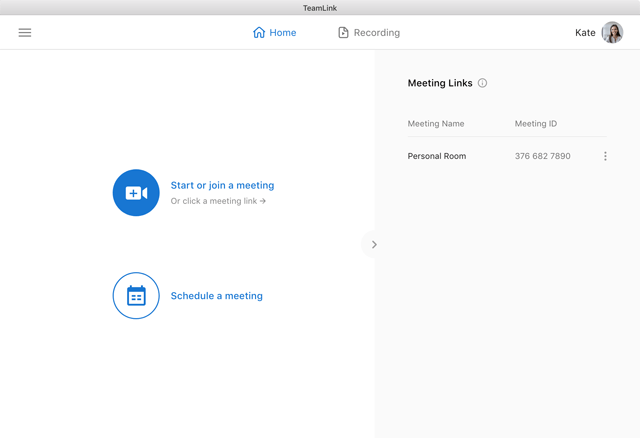

How to Install TeamLink
- Click the download button to get the TeamLink installer.
- Run the downloaded file and follow the setup wizard.
- Create an account or sign in to get started.
- Complete the installation and launch TeamLink.
- Enjoy using TeamLink!
 Download ManyCam 9.3.0
6 Downloads
Download ManyCam 9.3.0
6 Downloads
 Download Zalo PC 26.7.10
6 Downloads
Download Zalo PC 26.7.10
6 Downloads
 Download Lotus Chat 2.6.3
8 Downloads
Download Lotus Chat 2.6.3
8 Downloads
 Download Quickom 5.1.8
17 Downloads
Download Quickom 5.1.8
17 Downloads
 Download LINE for PC 26.2.0
19 Downloads
Download LINE for PC 26.2.0
19 Downloads

