
Double Driver is a free, portable utility for Windows that allows you to back up all your installed drivers in one click and restore them later — perfect for preparing before a Windows reinstallation or migrating to a new system. It scans your computer for all third-party drivers and saves them to a folder or compressed archive.
After a fresh Windows installation, simply point Double Driver to your saved backup and it will restore all your drivers automatically, saving you the time and frustration of hunting down drivers for your hardware manually. This is especially valuable for older devices where finding the original drivers online can be difficult.
Lightweight, portable, and completely free, Double Driver is an essential tool to include in any PC maintenance toolkit — particularly before performing a clean Windows reinstall.
Key Features
- Scan and back up all installed third-party drivers with one click
- Restore drivers from backup after a Windows reinstallation
- Save driver backup as a folder or compressed ZIP archive
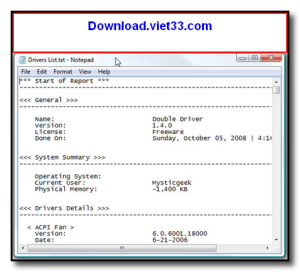
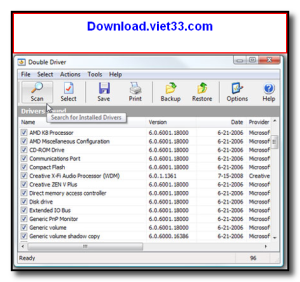
- View detailed driver information including version, provider, and date
- Filter to show only non-Microsoft (third-party) drivers
- Print or export the driver list for reference
- Portable — no installation required, runs from a single executable
How to Install
- Click the download button above to get the Double Driver archive.
- Extract the ZIP file to any folder or USB drive.
- Run DD.exe directly — no installation needed.
- Click “Scan” to detect all installed drivers on your system.
- Select the drivers to back up and click “Backup” to save them to your chosen location.
 Download Revo Uninstaller Portable 2.7.0
18 Downloads
Download Revo Uninstaller Portable 2.7.0
18 Downloads
 Download FurMark 2.10.2
19 Downloads
Download FurMark 2.10.2
19 Downloads
 Download CrystalDiskInfo 9.9.2
20 Downloads
Download CrystalDiskInfo 9.9.2
20 Downloads
 Download UniKey 4.6 RC2
43 Downloads
Download UniKey 4.6 RC2
43 Downloads
 Download PC Health Check
55941 Downloads
Download PC Health Check
55941 Downloads

